PAN Card Download (e-PAN PDF Download Online)
Download your PAN card PDF online using NSDL, UTIITSL, or Income Tax e-Filing portal. Learn how to download PAN card online, get instant e PAN card download, and open your PDF with the correct password.
Download PAN Card (e-PAN)
If you are searching for PAN card download, you are most likely trying to download your PAN online after applying for a new PAN card, PAN correction/update, or duplicate/reprint request.
Today, you can download your PAN digitally as an e-PAN card PDF, which is accepted for KYC, banking, income tax filing, and most official uses.
On this Guide, you will learn the correct way to:
- Download PAN card online safely
- Download PAN card PDF (e-PAN) step-by-step
- Use the right portal: NSDL, UTIITSL, or Income Tax e-Filing
- Understand the PAN card PDF password and fix common download issues
Note: We only provide informational guidance and official portal references. PAN is issued by the Income Tax Department of India.
What Is PAN Card?
A PAN card (Permanent Account Number) is a 10-character alphanumeric ID issued by the Income Tax Department of India. It is used for income tax filing, banking, KYC verification, and high-value financial transactions.
If you already have a PAN, you can download it online as a PAN card PDF (e-PAN) using official portals.
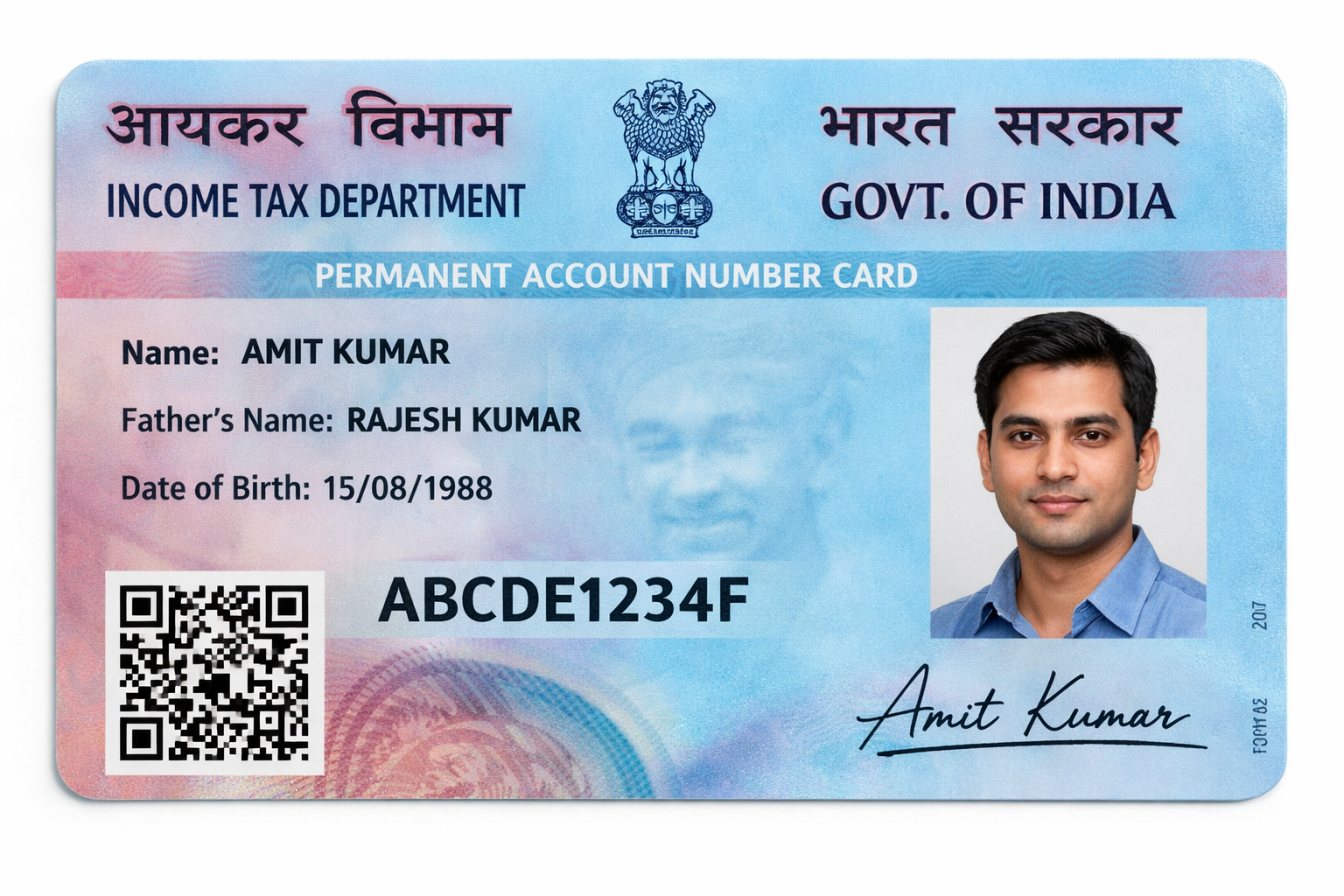
What You Need Before PAN Card Download
Before you start your PAN card download online, keep the following details ready. This will help you download your PAN card PDF without errors:
- PAN number (recommended for fastest download)
- Date of Birth (DOB) as per PAN record
- Registered mobile number (for OTP verification)
- Aadhaar number (required for instant e-PAN card download)
- Acknowledgement number (useful if you applied recently)
If you are doing PAN card download by PAN number, make sure your PAN is active and your mobile number is linked, otherwise OTP may fail and you may not be able to download PAN card online successfully.
Which Portal Should You Use For PAN Card Download?
Your PAN card download depends on where your PAN was processed. If you choose the wrong portal, you may see errors like "Record not found" or "Details not matched".
Use this simple guide to download from the correct website:
- If you applied through NSDL/Protean → use NSDL PAN card download
- If you applied through UTIITSL → use UTI PAN card download
- If you want instant PAN using Aadhaar OTP → use Income Tax e-Filing (Instant e-PAN)
- If your PAN is lost/damaged → apply for duplicate / reprint PAN card
Choosing the correct portal is the fastest way to download PAN card online without issues.
How to Download PAN Card Online (Step-by-Step)
If you want to know how to download PAN card online, follow these steps:
Select Your State
Choose your location to get personalized PAN card download guides and information specific to your region.
PAN Card Download PDF (e-PAN Card Download)
The most common request today is PAN card download PDF. This file is called an e-PAN, and it is a digital version of your PAN card that can be downloaded online through official portals. In most cases, the e-PAN PDF is digitally signed and accepted for KYC and verification.
You can use e PAN card download for:
- Bank account KYC and account verification
- Income tax filing and ITR work
- Job / employer verification
- Government forms and online applications
If you need a fast solution, e PAN card download is the best option because it can be downloaded as soon as your PAN is available in the system.
Many users also search for digital PAN card download because they want a mobile-friendly PAN PDF that can be saved on phone and used anytime.
Tip: If your PAN PDF asks for a password, it is usually your DOB in DDMMYYYY format.
Who Needs a PAN Card?
A PAN card is required for many financial and legal transactions in India. If you are unsure whether you need one, the categories below will help you understand who should apply for a PAN card.
Individuals
- Salaried individuals for tax filing and KYC
- Taxable income earners above the exemption limit
- People doing high-value transactions (property, vehicles, jewellery, etc.)
- Investment account holders (mutual funds, demat, trading accounts)
- Bank customers for opening accounts and large transactions
Businesses & Entities
- Companies and LLPs for business compliance and taxation
- Partnership firms and professional firms
- HUFs (Hindu Undivided Families) for family-owned income/assets
- Trusts and societies for registration, compliance and financial activities
e-PAN PDF Validity (Is PAN Card PDF Valid?)
Yes. The PAN card PDF (e-PAN) downloaded from official portals is a valid digital document and is accepted for most purposes such as KYC, banking, and income tax work. In most cases, the e-PAN PDF is digitally signed, which confirms authenticity.
The main difference is:
- e-PAN (PDF) is a digital copy you can download instantly
- Physical PAN card is a printed card delivered to your address
For most online uses, e-PAN PDF is sufficient. If you specifically need a physical card, you may have to apply for reprint.
NSDL PAN Card Download (Protean)
If your PAN was processed through NSDL/Protean, you should use the NSDL portal for PAN card download. This is the correct option for users who applied through NSDL and want to download their e-PAN PDF online.
NSDL Download Steps (Quick)
- Enter your PAN number or acknowledgement number
- Enter your Date of Birth (DOB)
- Verify OTP on your registered mobile number
- Download your PAN card PDF
UTI PAN Card Download (UTIITSL)
If your PAN was processed through UTIITSL, you should use the UTI portal for PAN card download. This method is useful when your PAN details are available in the UTI system and you want to download your PAN card PDF online.
UTI Download Steps (Quick)
- Enter your PAN number
- Enter your Date of Birth (DOB)
- Verify OTP on your registered mobile number
- Download your PAN card PDF
Instant PAN Card Download (Income Tax e-Filing)
If you want instant PAN card download, use the official Income Tax e-Filing portal. This option is mainly used for instant e-PAN card download through Aadhaar OTP verification, and it is the fastest way to get a PAN PDF in eligible cases.
This method is especially helpful if:
- You applied recently and need PAN urgently
- You want to download e-PAN directly from the Income Tax portal
When PAN Card Download Becomes Available
If you applied for a new PAN card, your PAN may not be available for download immediately. In most cases, the PAN card PDF becomes available only after the PAN is successfully allotted and updated in the portal database.
If you see "record not found", it usually means:
- PAN is not allotted yet, or
- the portal database is still updating
A good approach is to wait a few hours (sometimes 24–48 hours) and try again using the correct portal.
PAN Card Download by Aadhaar Number
If you don't have your PAN number, you can still download your PAN card using Aadhaar OTP verification. In most cases, the best method is instant e-PAN through the Income Tax e-Filing portal, where you verify your identity using Aadhaar OTP.
This option works best when:
- Your Aadhaar is linked with PAN
- Your mobile number is active for OTP
- Your PAN record is already available in the system
If Aadhaar OTP verification fails, you should use the NSDL or UTI portal method instead.
➡️ Full step-by-step guide Download PAN by Aadhar CardPAN Card Download by Name and Date of Birth
Many people try to download their PAN using name and date of birth, but most official portals do not allow direct PAN download only with name. In most cases, you will need your PAN number or acknowledgement number to download your PAN card PDF.
If you don't know your PAN number, the best approach is:
- retrieve your PAN number first, then
- download PAN using PAN + DOB from the correct portal.
PAN Card Download Without PAN Number
If you are trying PAN card download without PAN number, it is important to know that most official portals require a PAN number or acknowledgement number for verification. So in most cases, you cannot directly download your PAN card PDF without PAN details.
The best solution is:
- first retrieve your PAN number from official sources, then
- complete the PAN download using PAN + DOB or the correct portal.
Duplicate PAN Card Download PDF (Reprint)
If your PAN card is lost, damaged, or not received, you may need to apply for a duplicate / reprint PAN card. This is different from normal PAN card download, because reprint is a service request and may require payment.
After submitting the reprint request, you can download the updated PAN card PDF (e-PAN) once it is processed.
➡️ Full step-by-step guide on PAN Card ReprintPAN Card Form Download (PDF)
If you need PAN application or update forms, you can download the official PAN forms in PDF format from our forms section. This is helpful for users looking for PAN card form download, including correction and update form PDFs.
You can find:
- PAN application forms
- PAN correction / update forms
- PDF format forms for printing and submission
PAN Card PDF Password (How to Open)
After your PAN card PDF download, the e-PAN file may be password protected. This is normal and done for security.
Most common PAN PDF password
In most cases, your password is your Date of Birth (DOB) in DDMMYYYY format.
Example:
DOB: 14/07/1999
Password: 14071999
If the password does not work, double-check the DOB you entered during PAN application (even a small mismatch can cause issues).
➡️ More helpPAN Card Free Download (Truth)
Many users search for PAN card free download, but PAN services are not always free — it depends on what you are trying to do.
- Instant e-PAN card download may be available free of cost for eligible users through the official Income Tax e-Filing portal.
- If you are requesting a duplicate / reprint PAN card, charges may apply because it is a paid service in many cases.
To stay safe, always use official portals for PAN card download online and avoid websites that ask for unnecessary payments, OTPs, or personal details.
Common PAN Card Download Problems (Fix)
PAN download portals may sometimes show errors due to incorrect details, portal selection, or server issues. Below are the most common problems and the correct fixes:
1) PAN Not Found / Record Not Found
- Recheck your PAN number and Date of Birth (DOB)
- Make sure you are using the correct portal (NSDL vs UTIITSL)
- If you applied recently, wait for a few hours and try again
2) Details Not Matched
- Enter DOB exactly as per PAN record
- Check for typing mistakes in PAN number
- OTP will work only if your mobile number is linked
3) OTP Not Received
- Wait 1–2 minutes and use Resend OTP
- Check mobile network and SMS inbox
- If DND is enabled, try temporarily disabling it
4) PAN PDF Not Opening
- Use the password: DOB in DDMMYYYY format
- Example: 14/07/1999 → 14071999
- If it still fails, download again using the correct DOB
5) Server Busy / Portal Down
- Try again after 10–20 minutes
- Early morning or late night usually works better
6) Link Expired / Session Timeout
- Refresh the page and start the download again
- Generate a new OTP and retry
Official PAN Portals – Contact & Support
| Portal | Official Website | Helpline / Customer Care | Official Email |
|---|---|---|---|
| Protean (NSDL) PAN | https://onlineservices.proteantech.in/paam/ | +91 20 27218080 | tininfo@proteantech.in |
| UTIITSL PAN | https://www.pan.utiitsl.com/ | +91 33 40802999 | customer.care@utiitsl.com |
| Income Tax e-Filing (Instant e-PAN) | https://www.incometax.gov.in/iec/foportal/ | 1800 103 0025 / 1800 419 0025 | — |
Income Tax International Helpdesk: +91 80 46122000 / +91 80 61464700
Related Blogs
More guides that may help you with PAN card download, reprint, and status tracking:
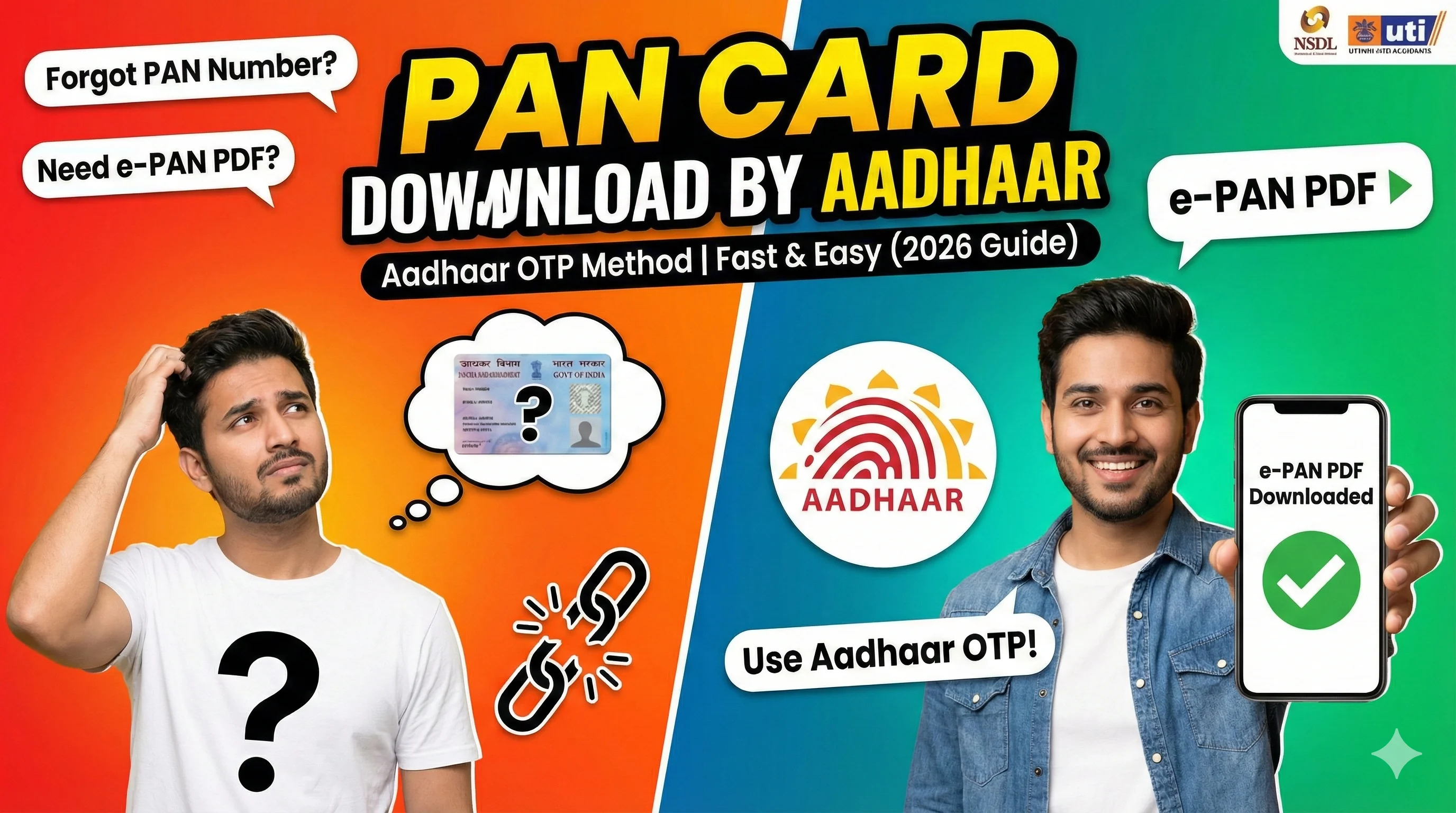
PAN Card Download by Aadhaar Number (OTP) – e-PAN PDF Guide 2026
Download PAN by Aadhaar OTP, e-PAN PDF, password, and common fixes.
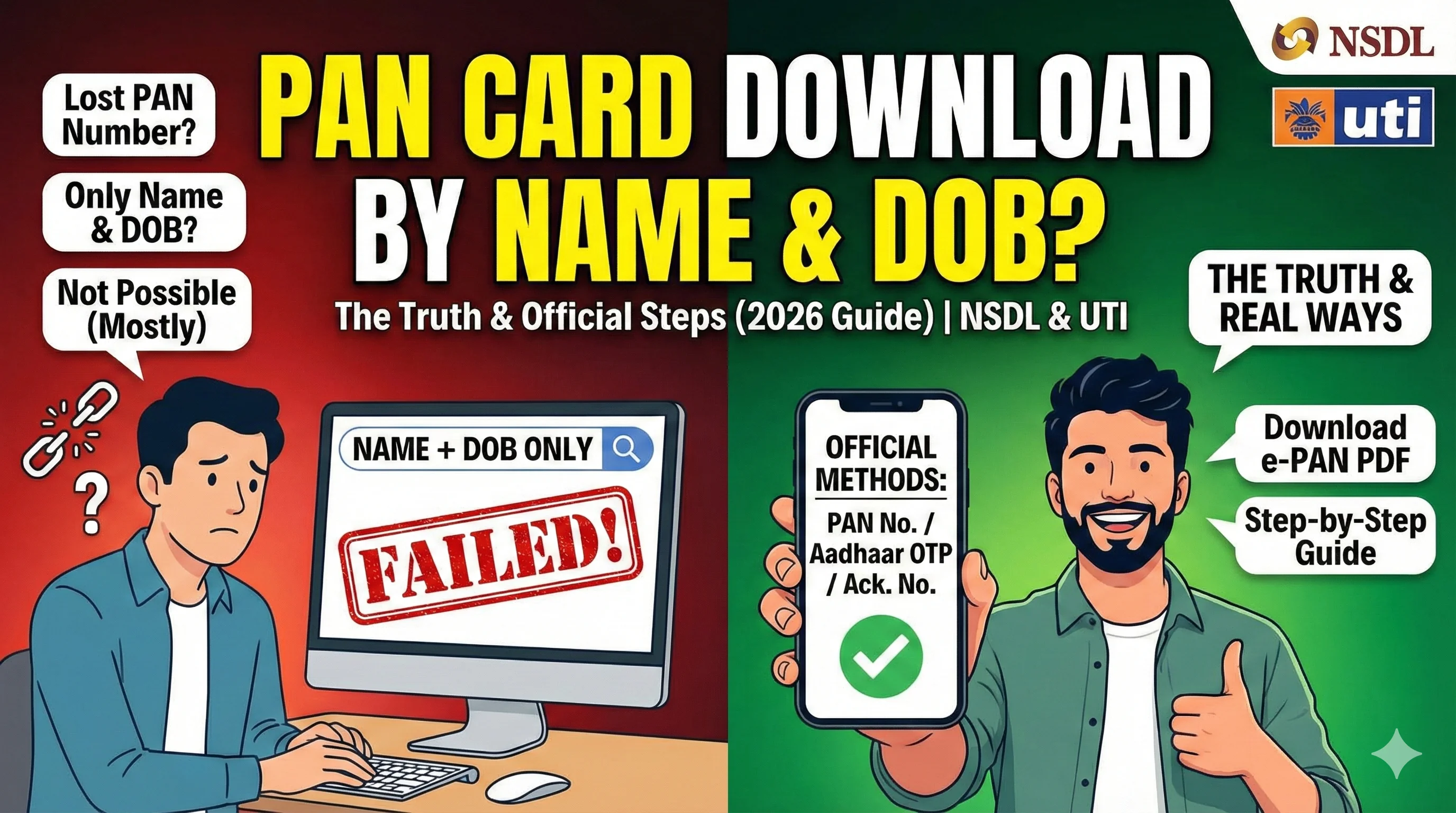
PAN Card Download by Name and DOB – Official Method (2026)
Download PAN using name and DOB on NSDL and Income Tax portal.
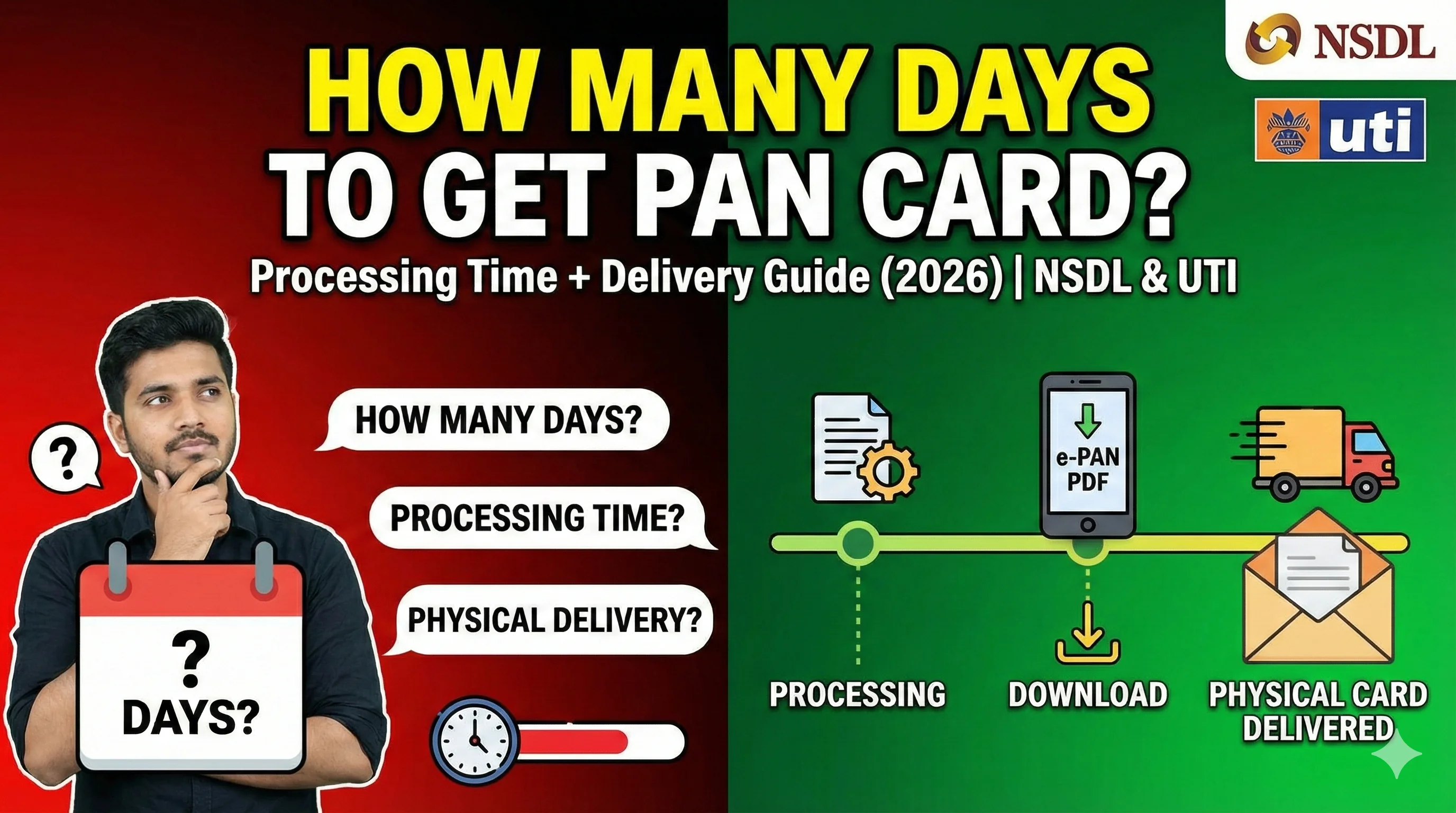
How Many Days to Get PAN Card After Applying Online (2026)
Timeline for dispatch, delivery, e-PAN, and what to do if delayed.
UTI PAN Reprint Status Not Showing? Reasons & Fix (2026)
Why tracking fails and how to fix it step-by-step.